Save, load and clear mission
There is a button to open a dialog window for saving, loading, and clearing the mission in the bottom right corner of the terrain map:

Clicking on it opens the following window:
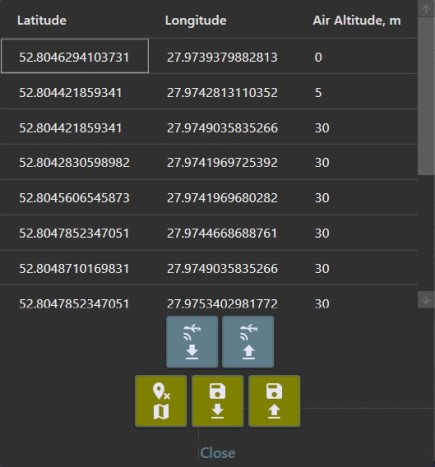
The meanings of these buttons must be intuitively clear, but, just in case, there are explanations below:
- Top row - loading the mission from the UAV and saving one on the UAV respectively
- Bottom row - clearing the mission, loading the mission from disk, and saving the mission to disk respectively